
Spreadsheets legitimately run thousands of restaurants — the counting habit matters more than the tool. But spreadsheets break at predictable points: around 30+ menu items and 20+ suppliers, when multiple people need live access, when variance detection (actual vs theoretical) becomes necessary, and when the weekly arithmetic exceeds two hours. Software does not replace the discipline spreadsheets teach; it replaces the arithmetic, adds the detection layer, and makes the numbers visible to everyone who needs them. The switch is not 'tool vs tool' — it is habit preserved, labour removed, and detection added.
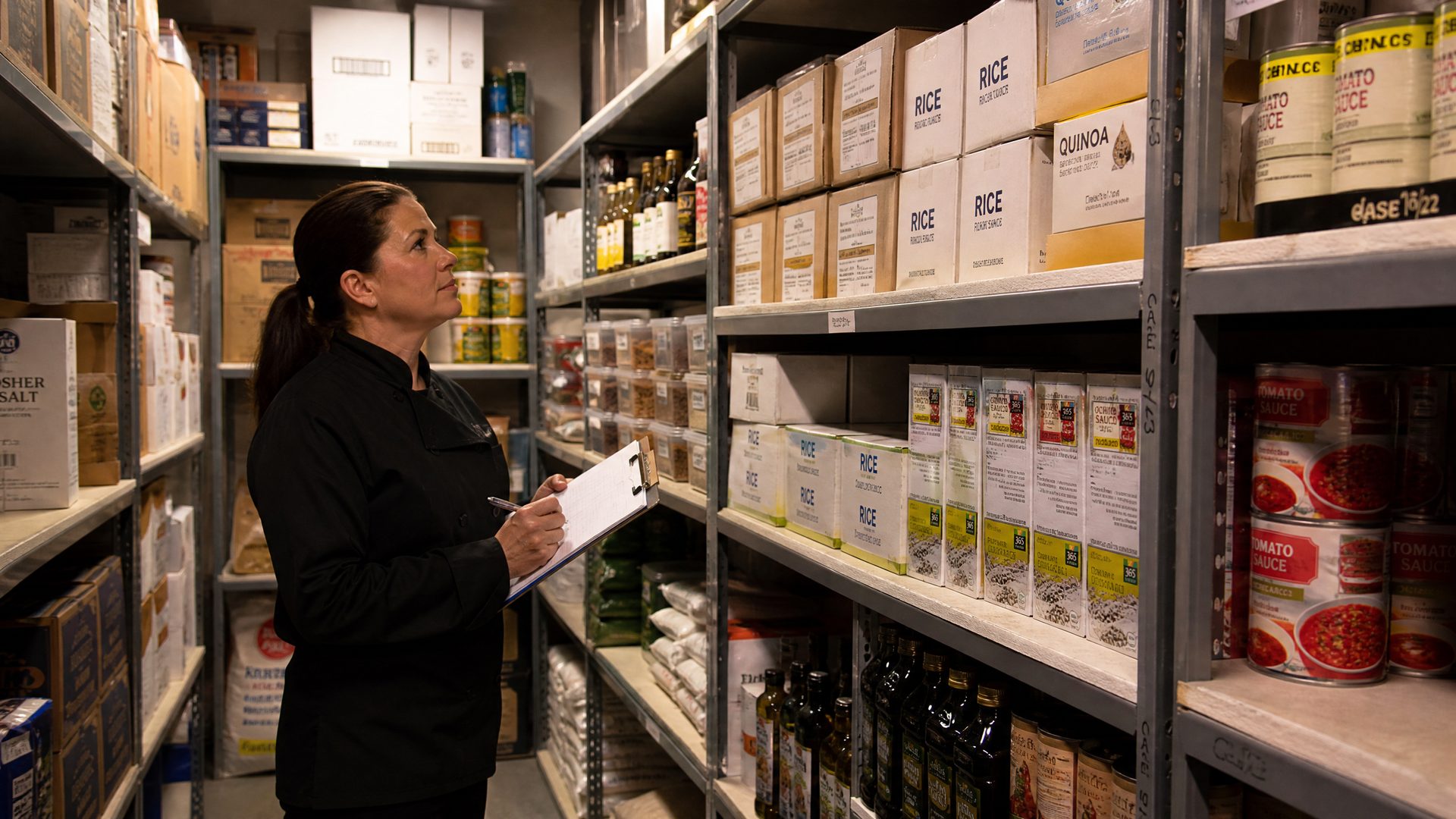
Be honest about the starting point: a well-built spreadsheet with an item master, weekly count tabs, and cost formulas teaches the fundamental discipline — counting weekly, recording purchases, logging waste — better than most expensive software does for owners who would otherwise do nothing. Spreadsheets are free, familiar, and fully customizable. For a single-owner café with 12 menu items, a spreadsheet is often the correct tool.
| Capability | Spreadsheet | Software |
|---|---|---|
| Weekly counts | Paper or phone, transcribed later | Direct from phone, offline-capable |
| Recipe costing | Manual per-dish formulas | Automatic from purchase prices |
| Usage calculation | Manual arithmetic per item | Automatic per item, per week |
| Variance detection | Rarely built; almost never sustained | Automatic, per item, flagged |
| Supplier price history | Version-dependent, easily lost | Permanent per delivery |
| Multi-user / multi-location | File copies, version chaos | Live, role-based |
| Weekly time cost | 1–3 hours | 15–45 minutes |
The migration does not discard the spreadsheet's lessons — it preserves the counting habit, keeps your item master and recipes as the starting data, and removes everything that made the habit painful.
The migration's hidden benefit: most owners discover, while entering recipes into software, that half their 'recipes' were never actually documented — which is itself a cost-control finding.
Software costs money — but so does the spreadsheet, in time, errors, and the detection layer you never built. The rational test is the one RestoIQ's free trial is built for: run your counts, recipes, and purchases through it for 14 days; if the variance numbers, price alerts, and time savings are worth more than the subscription, you have your answer in your own numbers. If not, return to the spreadsheet having learned your real food cost — which was always the point.
Around 30+ menu items, 20+ suppliers, when multiple people or locations need live access, or when weekly arithmetic exceeds ~2 hours. Variance detection needs are the strongest signal to switch.
Variance — actual usage versus recipe-theoretical usage — which reveals theft, over-portioning, and unlogged waste. Spreadsheets can compute it in theory; sustaining that computation weekly almost never happens.
Yes — export your item list, counts, recipes, and supplier prices, start the software with that real data, run parallel for two weeks, and switch once the cycles agree. Most owners discover undocumented recipes during entry, which is itself valuable.